Open video
Vertical or horizontal MP4, MOV and MKV.
LOCAL AI • WINDOWS
Turn speech into precise, animated captions. Style, edit and export in one focused desktop studio — your media stays on your PC.
24 hours free · no card · no subscription
Full trialEvery feature, no card
Lifetime licenseOne payment, free updates
Simple activationDevice rebind supported
01 / TRANSCRIBE
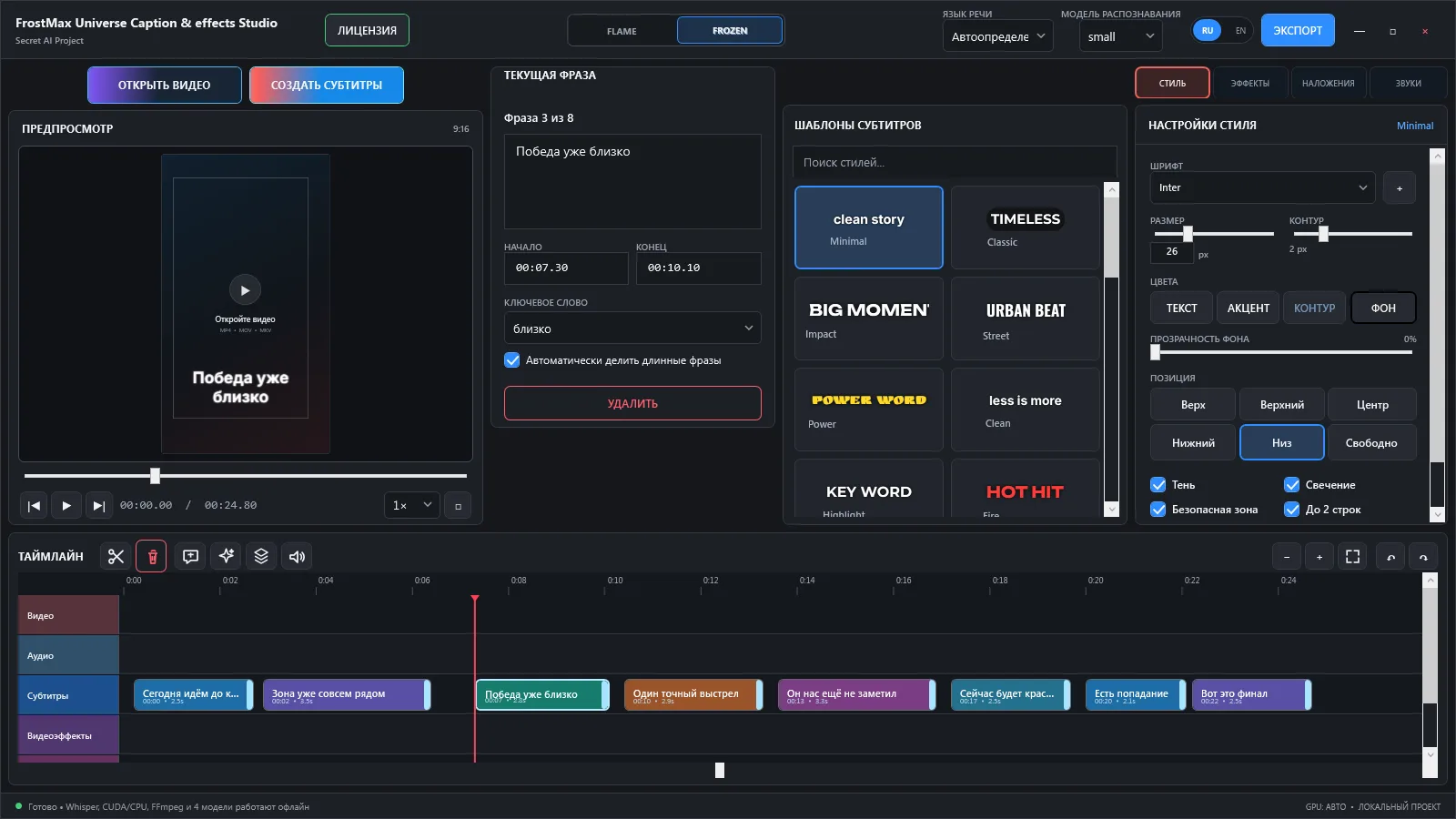
Whisper recognition runs locally. Word-level timing powers accurate Karaoke highlighting while phrase blocks stay editable on the timeline.
Vertical or horizontal MP4, MOV and MKV.
Choose the recognition model and generate timed phrases.
Edit text, timing, colors, position and animation.
Captions, overlays, effects and sounds rendered together.
02 / STYLE SYSTEM
Pick a production-ready preset, then adjust font, size, outline, background, position and motion.
03 / CREATE
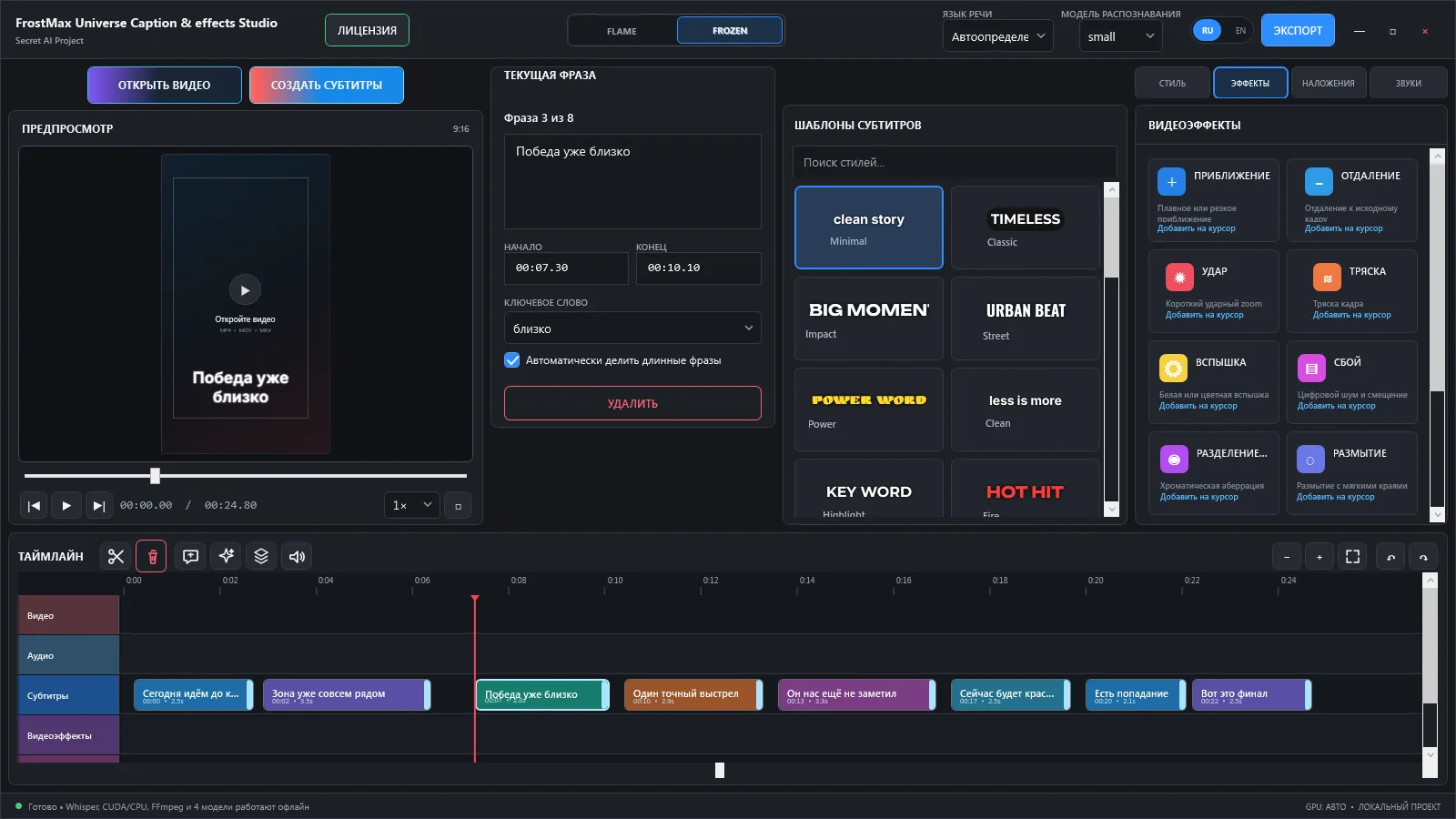
Zoom, impact, shake, flash, glitch and blur effects can be placed exactly where you need them. Import PNG, JPG, GIF, WebM or MP4 overlays and add built-in or custom sounds.
04 / REAL OUTPUT
The same timing, typography, overlays, sound cues and effects are rendered into the final MP4.
05 / NO CLOUD DETOUR
LIFETIME ACCESS
Windows 10/11 · x64 · internet required for activation and periodic license checks
06 / FAQ
No. Recognition and editing run locally. The internet is used for license activation and update checks.
The app asks for a license key. Your exported files remain yours.
Yes. Deactivate the current PC or request a device binding reset, then activate the new one.
The current release supports automatic detection plus Russian and English recognition.
READY WHEN YOU ARE
24 hours free. No card. Windows x64.